BliKVM manual
BliKVM captures HDMI and emulates USB input and storage so you can manage another computer in a browser, including BIOS / UEFI and OS installation. The controlled computer needs no remote desktop client. Optional power control requires additional wiring.
This manual describes the current software. Available functions depend on hardware, system image, browser and account permissions. A model name or demo screen alone does not establish support.
Start with your task
| Task | Guide |
|---|---|
| Flash an SD card or reinstall | Flashing and recovery |
| Connect and sign in for the first time | First steps |
| Find console tools and settings | Web interface |
| Manage accounts, permissions and 2FA | Accounts and security |
| Adjust video or troubleshoot a black screen | Video modes, WebRTC |
| Configure input, USB networking or cameras | USB functions |
| Install an OS or transfer files | Virtual media |
| Connect from outside your LAN | Remote access options |
| Update, recover or troubleshoot | Updates, Diagnostics, Factory reset |
| Find device files or API documentation | Persistent directories and logs, API |
Hardware and wiring
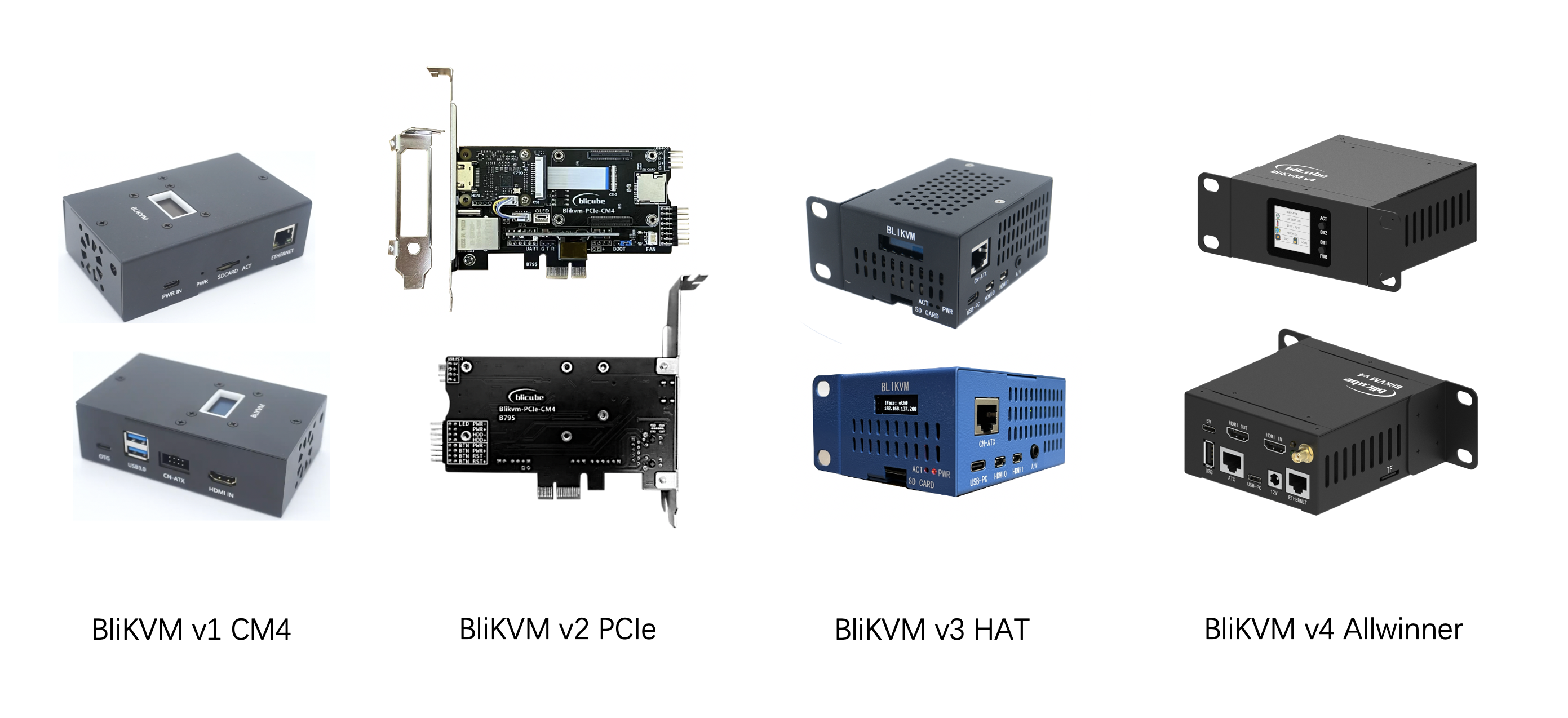
- v4 Allwinner
- v3 HAT and assembly
- v2 PCIe and assembly
- v1 CM4
- BliSwitch v1, v2 and web switching
- ATX, USB splitter, HDMI to CSI / I²S, C792
Model guides cover connectors, power, wiring and mechanical specifications. Software tasks use the shared guides. HDMI input, capture, encoding and local passthrough are different capabilities; the highest specification of one does not describe them all.
Validation and support
Verify real video and input on the LAN before configuring remote access. Demo screenshots are labeled as simulations and do not establish hardware performance or successful installation or recovery. For help, use the diagnostic template to collect versions and reproduction details for the project community.